How to inspect a padel racket in 3D
A quick tour of the 3D viewer: views, hotspots, overlays and what to look for in a racket's profile.
4 min read · Updated 5 Oct 2026
Photos show a racket from the front. In 3D you can check the things that decide how it plays. Here is what to look at, view by view.
adidas Metalbone 3.4, diamond shape. Platform-created model. 3D model built by Paladex to represent this racket. Not supplied by the manufacturer. Use the arrow keys to rotate, plus and minus to zoom and R to reset. The buttons below the model switch between front, back, edge, top, grip and detail views.
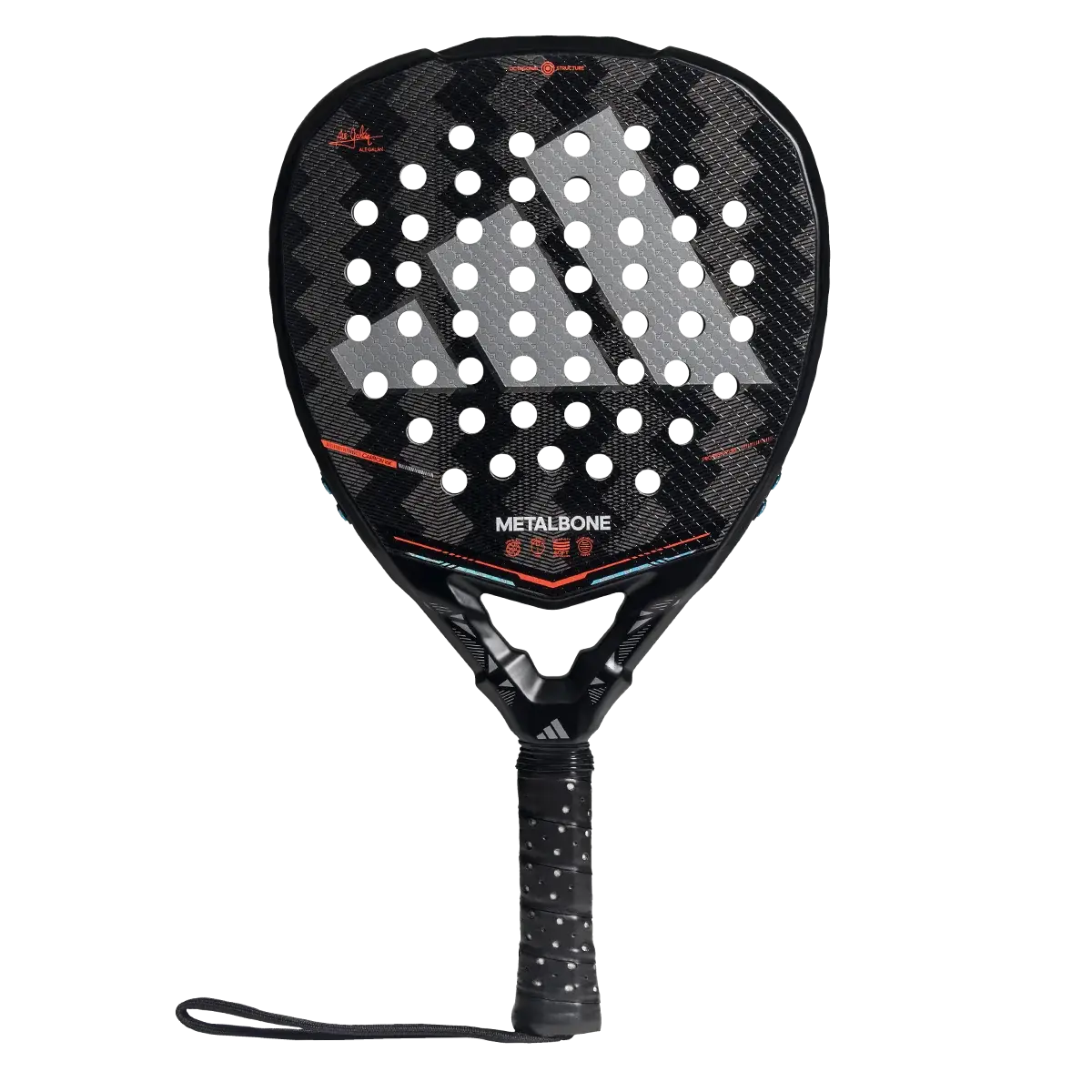
Front view: shape and sweet spot
Look at where the head is widest. Turn on the sweet-spot overlay to see the illustrative hitting zone for that shape.
Edge view: profile and balance
From the side you can judge the frame's thickness (38 mm is the regulation maximum) and, with the balance overlay, where the mass sits.
Grip view: handle and throat
Check how the throat joins the handle. A wide, stiff junction adds stability, and a slimmer one feels quicker in the hand.
Hotspots and labels
Numbered hotspots explain each part. Every explanation is labelled as manufacturer data, a platform evaluation or an illustration, so you always know what is measured and what is interpretation.